
This article is to help us, help you get the best possible support.
1. Search for an article that solves your problem
There is high probability you are not the first person to have an issue, as the platform grows search for documentation similar to your issue, for possible solutions, workarounds and more.
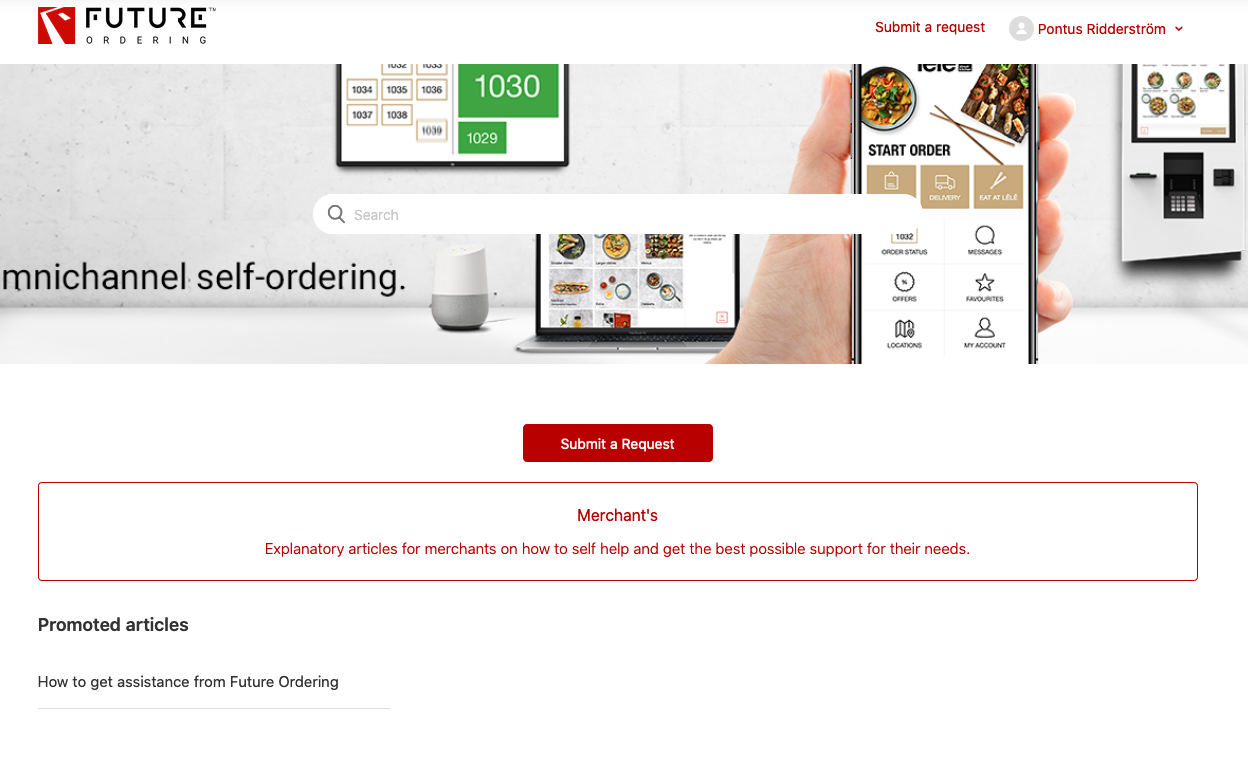
1.1 Search for your problem.
Use the search field.
Tip: Use keywords when searching.
Example: I have a problem that a menu item shows wrong price. Use the keywords Menu item, price to find article that explains actions to take.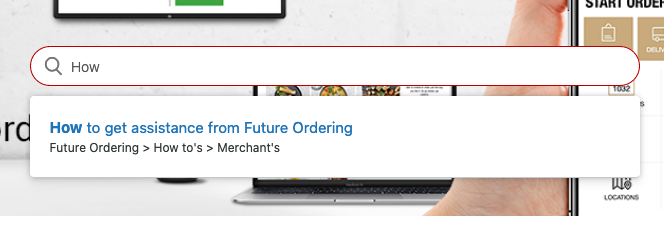
A list of articles will be shown after making a search.
If you did not find answer/solution/workaround for your problem, report the issue to us.
2. Search for existing tickets that solves or defines issue.
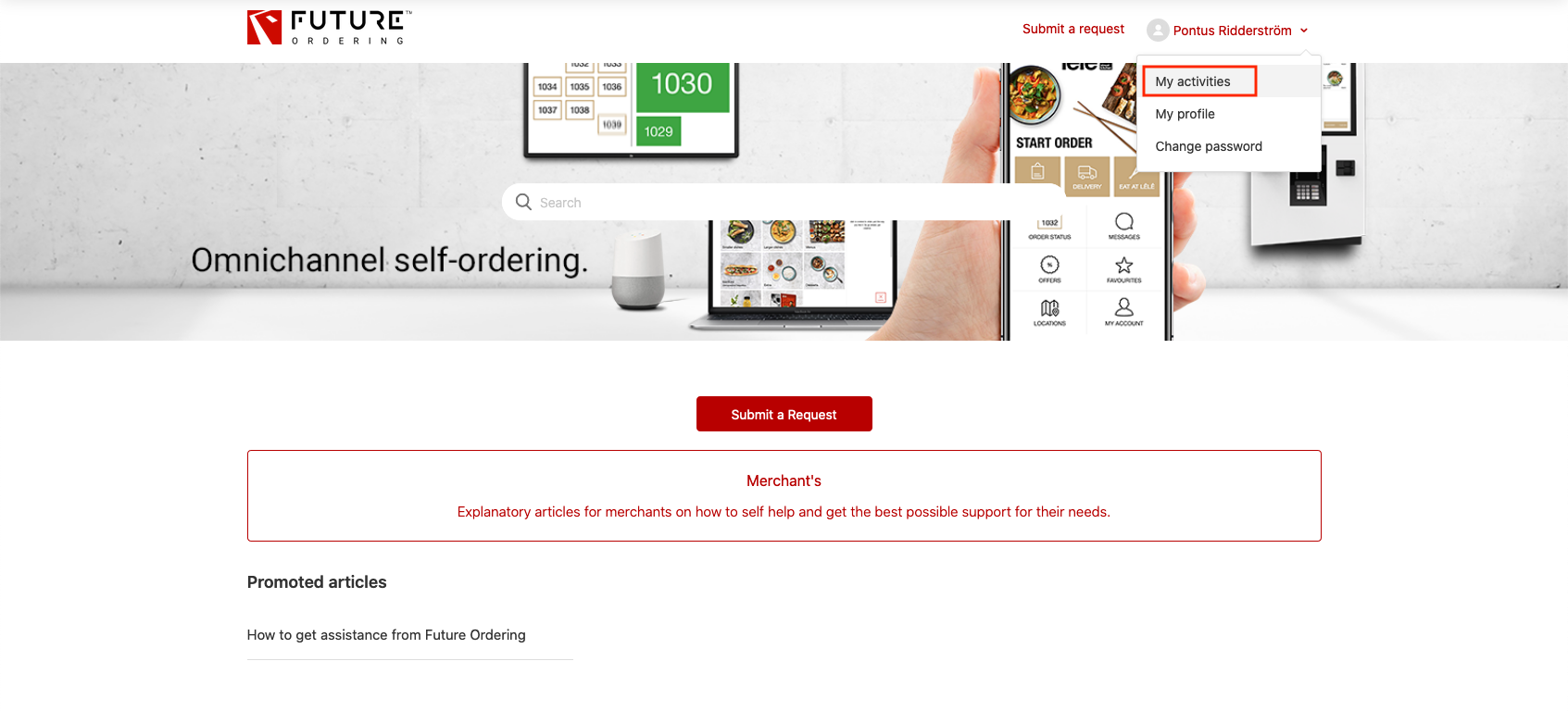
Go to your activity page, that lists older tickets. "My activities"
Shows a view, with your earlier created tickets and what status they have.
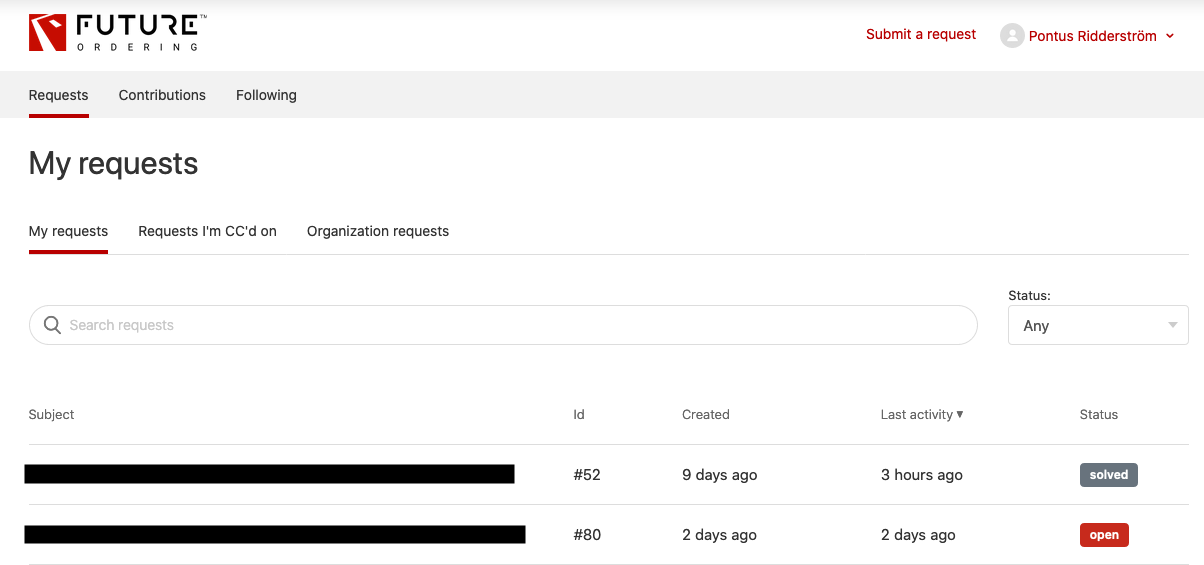
Pick Organization Requests to see all requests that has been sent by your organization.
Search using the search field.
The field searches all existing tickets and the information in the subject and content.
They may contain the answers you are looking for.
3. Contact Future Ordering support and Submit a request
To give you the quickest support and help, we need you to use our contact channels accordingly.
The quicker we can categorize your issue, the quicker we can request the right information, the quicker we can tell the right technical personal and the quicker we can make the right correction.
2.1. Submit a request through Help Center: https://portal.futureordering.com/hc/en-us/requests/new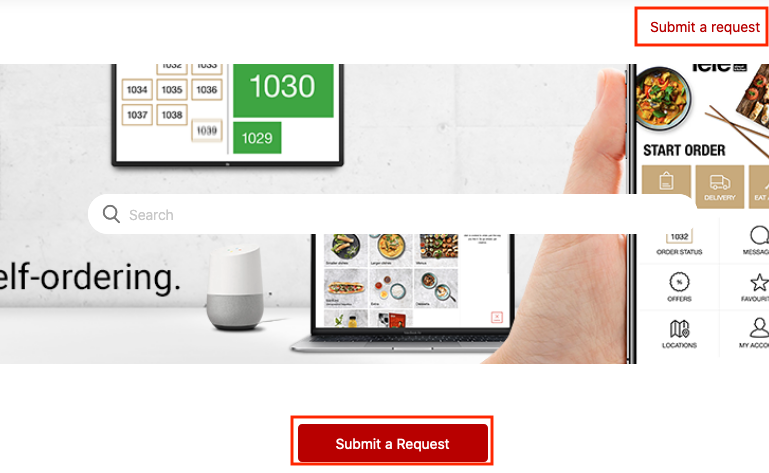
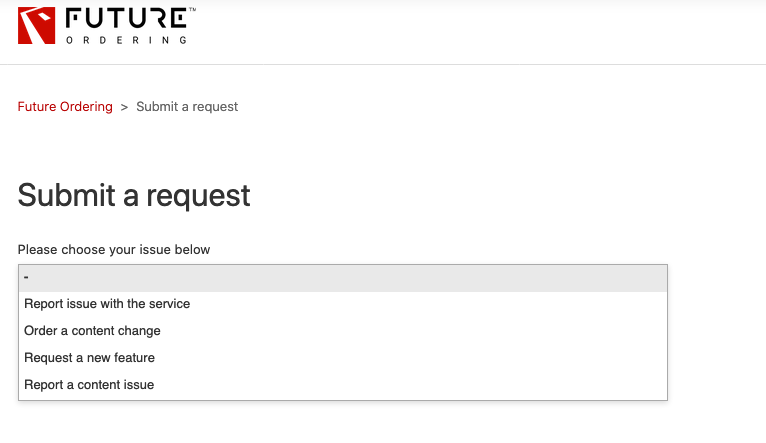
Pick a form that best represent the help needed.
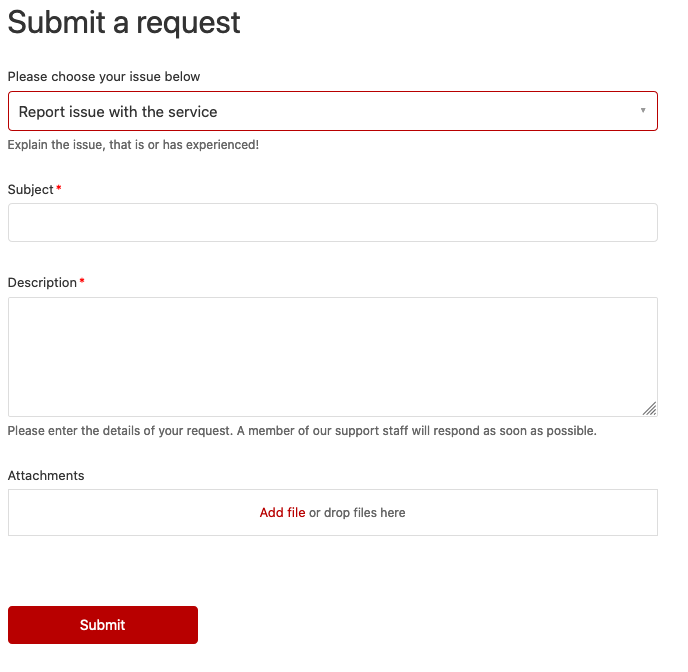
Fill in the information of the form, to the best of your capabilities.
2.2 Email
If no form can be related for the reason of contact, use our email address.
Email: support@futureordering.com
Explain the problem or what you want help with as thorough as possible.